
All your reading, in one place
Keep up with new posts, and save the pieces worth coming back to. Stackbox keeps everything you want to read neatly organized.
Keep saved reads and feed-based reading together in Stackbox.
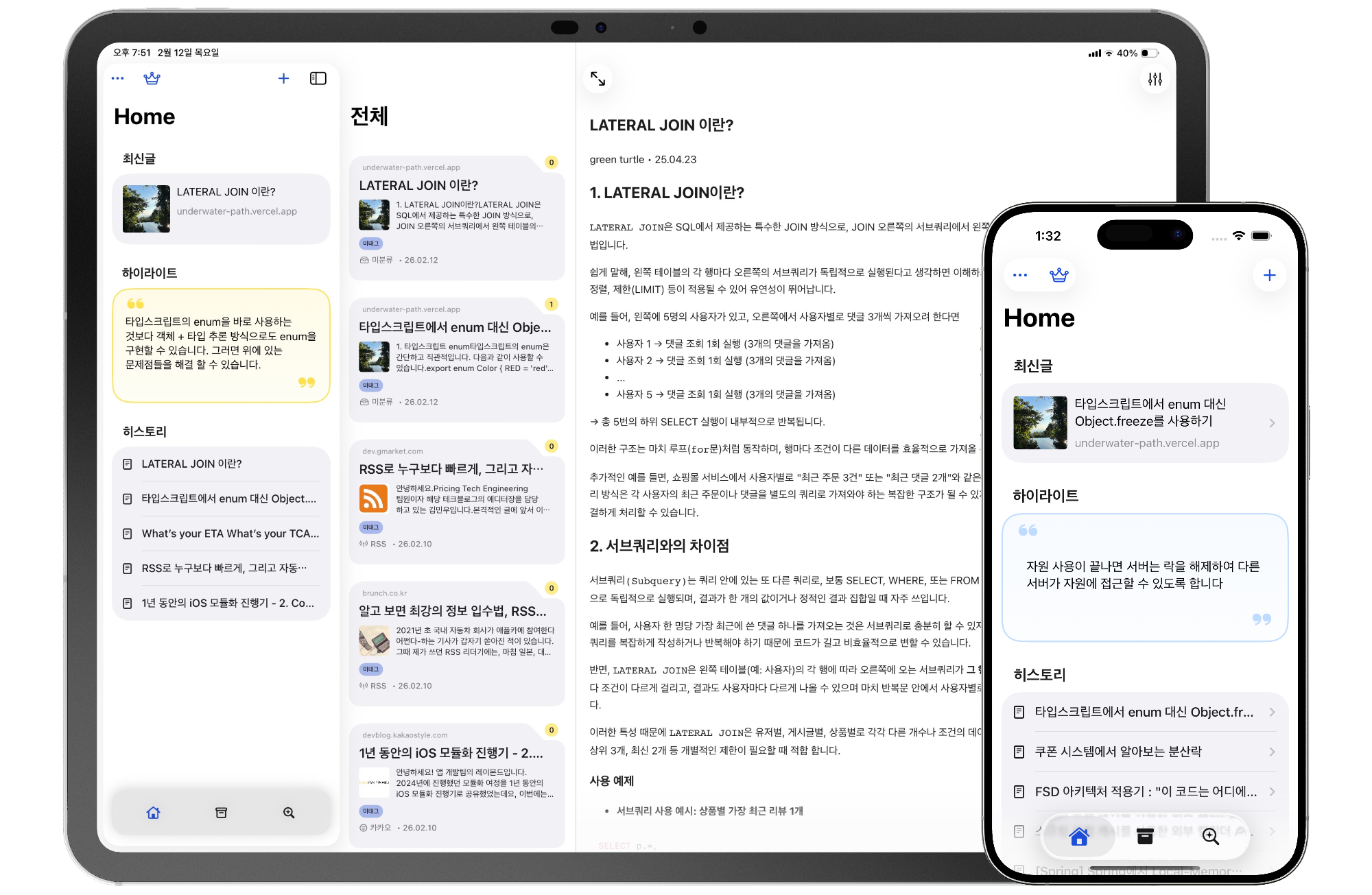
All your favorite sites, in one place
Follow the blogs, magazines, and news sites you check most. Fresh posts land in Stackbox, so you can keep up without bouncing between tabs.
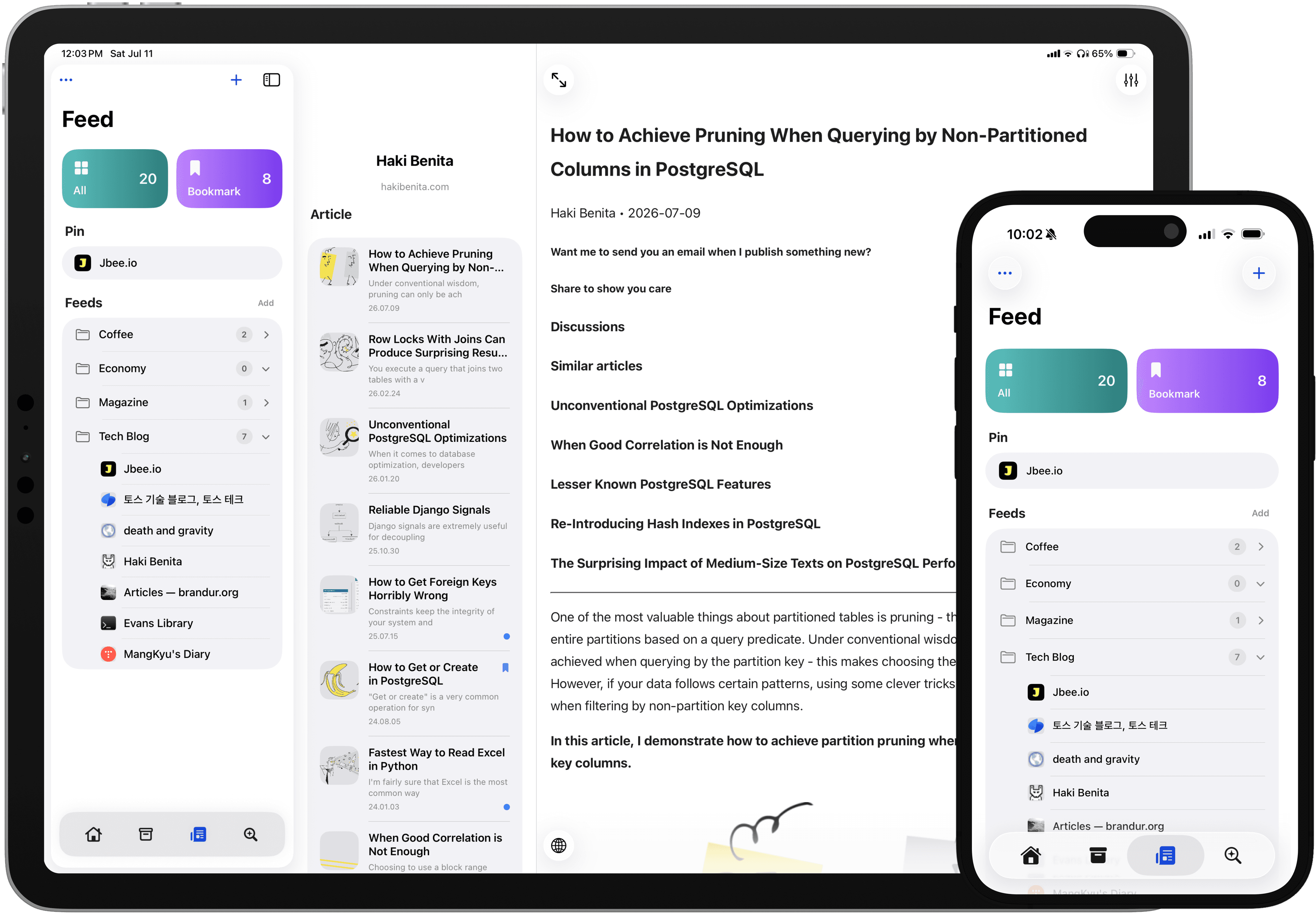
Features
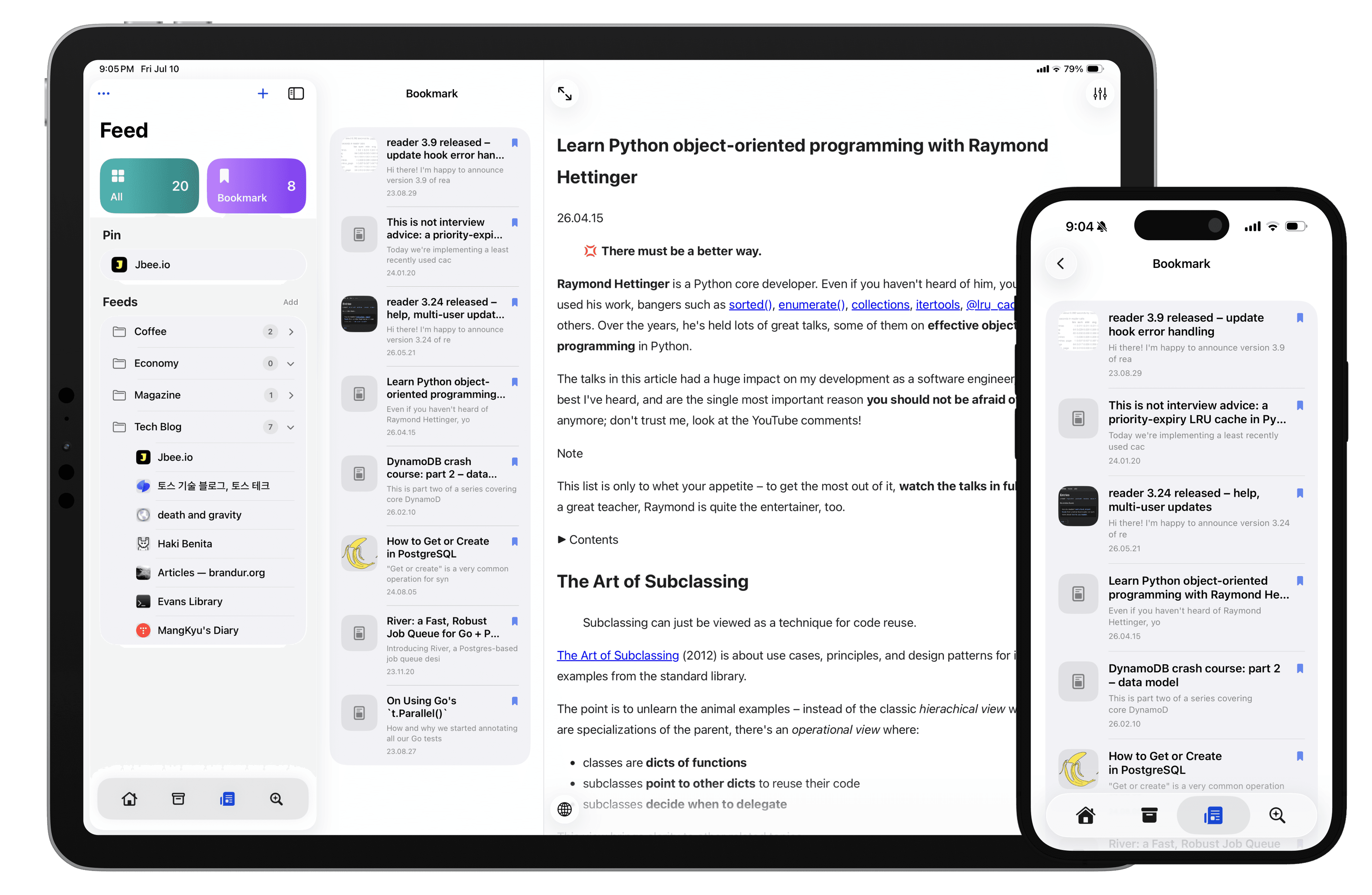
Save what you want to revisit
Bookmark the pieces you want to come back to, and open them again whenever you like.
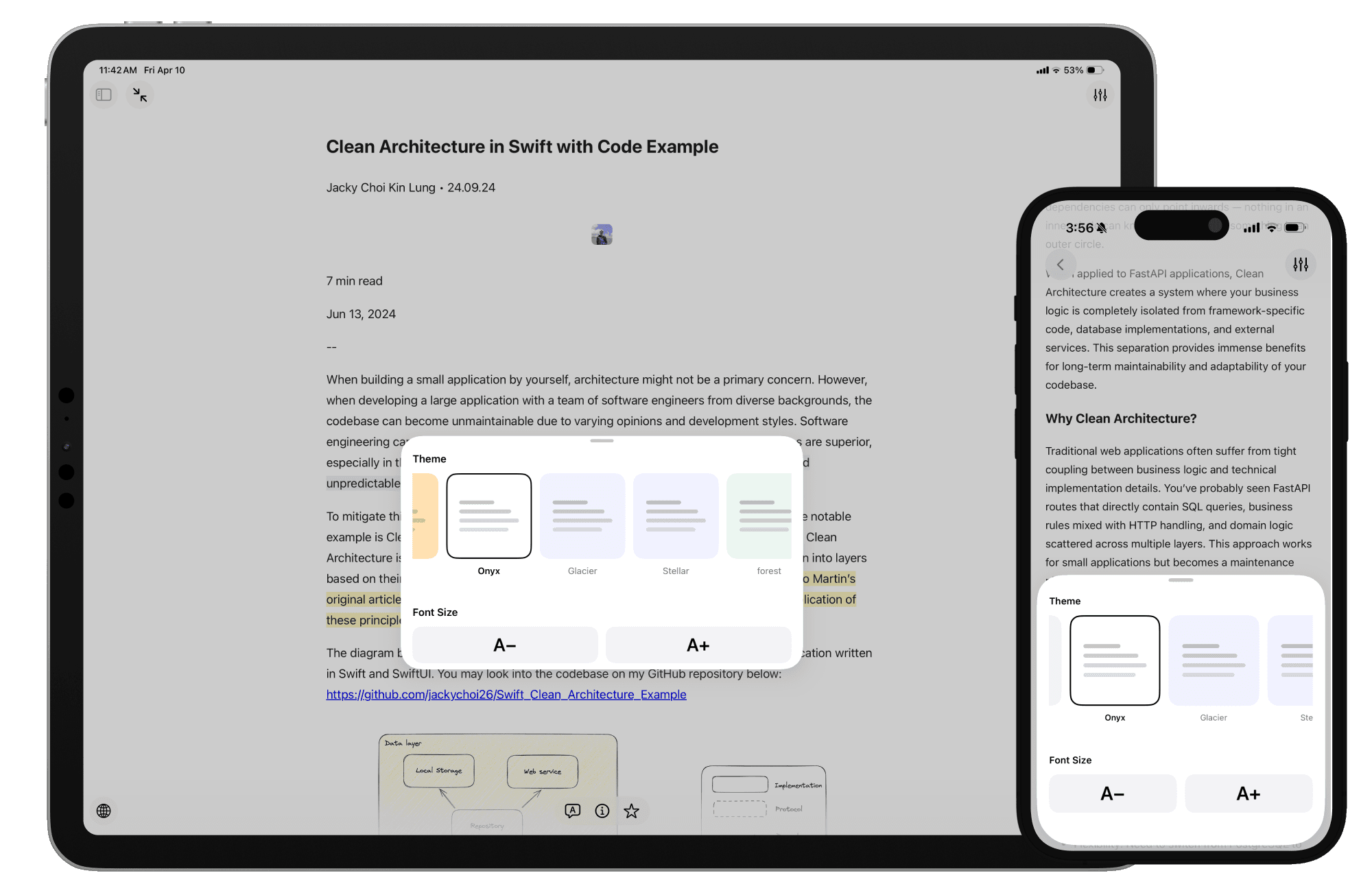
A clean reader for focused reading
Saved articles and pieces you open from feeds can both be read in a cleaner view. Strip away the clutter and stay with the article itself.
Highlight the lines that matter
Mark the lines you want to revisit. Highlights you leave while reading are easy to pull back up when you need them later.
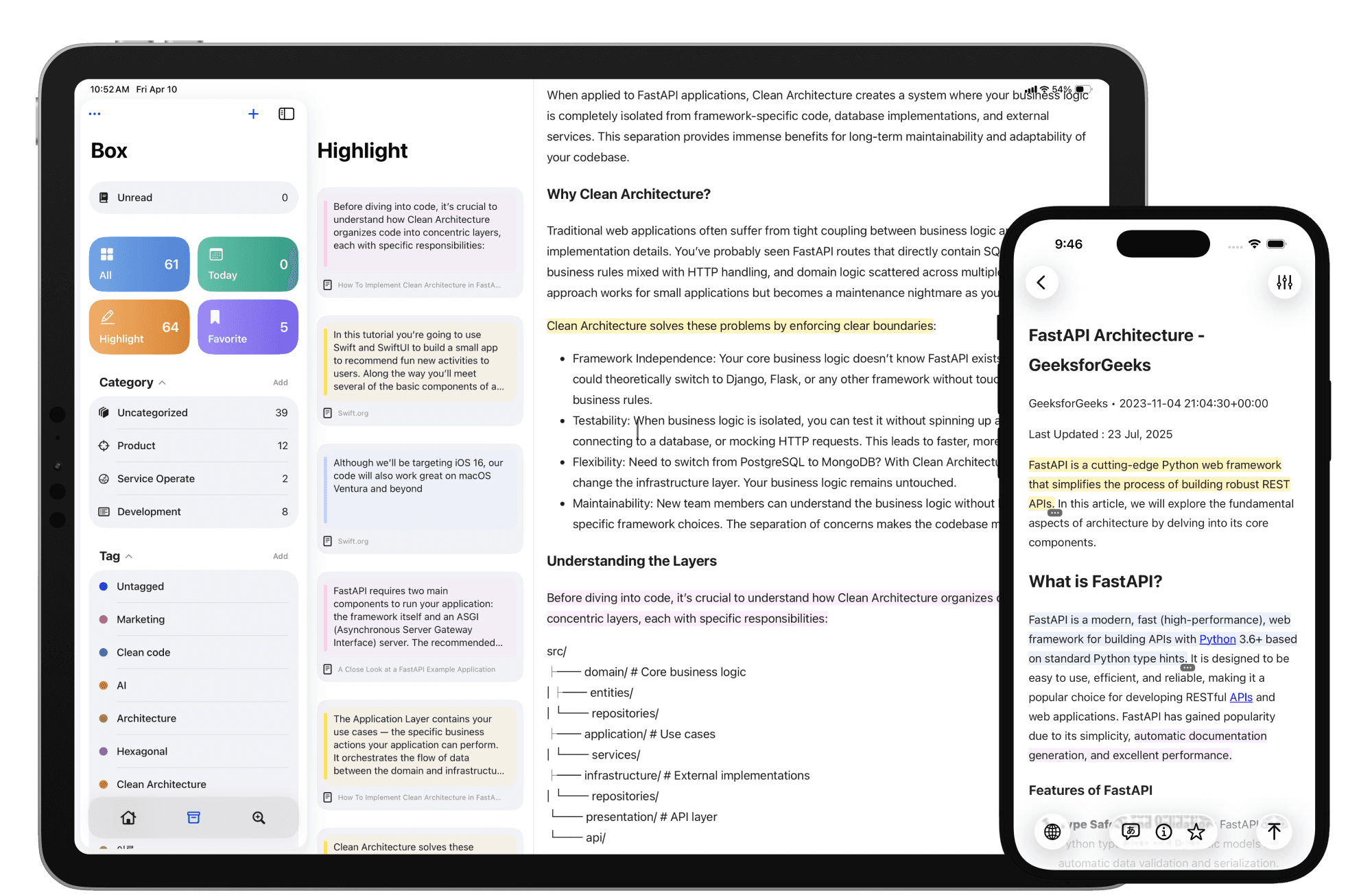
Color-coded for clarity
Use different highlight colors to separate themes, priorities, or takeaways. It makes the important parts easier to spot at a glance.
Your best lines, together
Review highlights pulled from multiple articles in one place. It is a faster way to recap what stood out without reopening everything.
Add notes beside highlights
Leave a quick note next to an important line so the context stays with it. When you come back later, your takeaway is already there.
Keep reading offline
Saved articles stay available even when you lose your connection. It is built for flights, commutes, and any moment when the signal drops out.
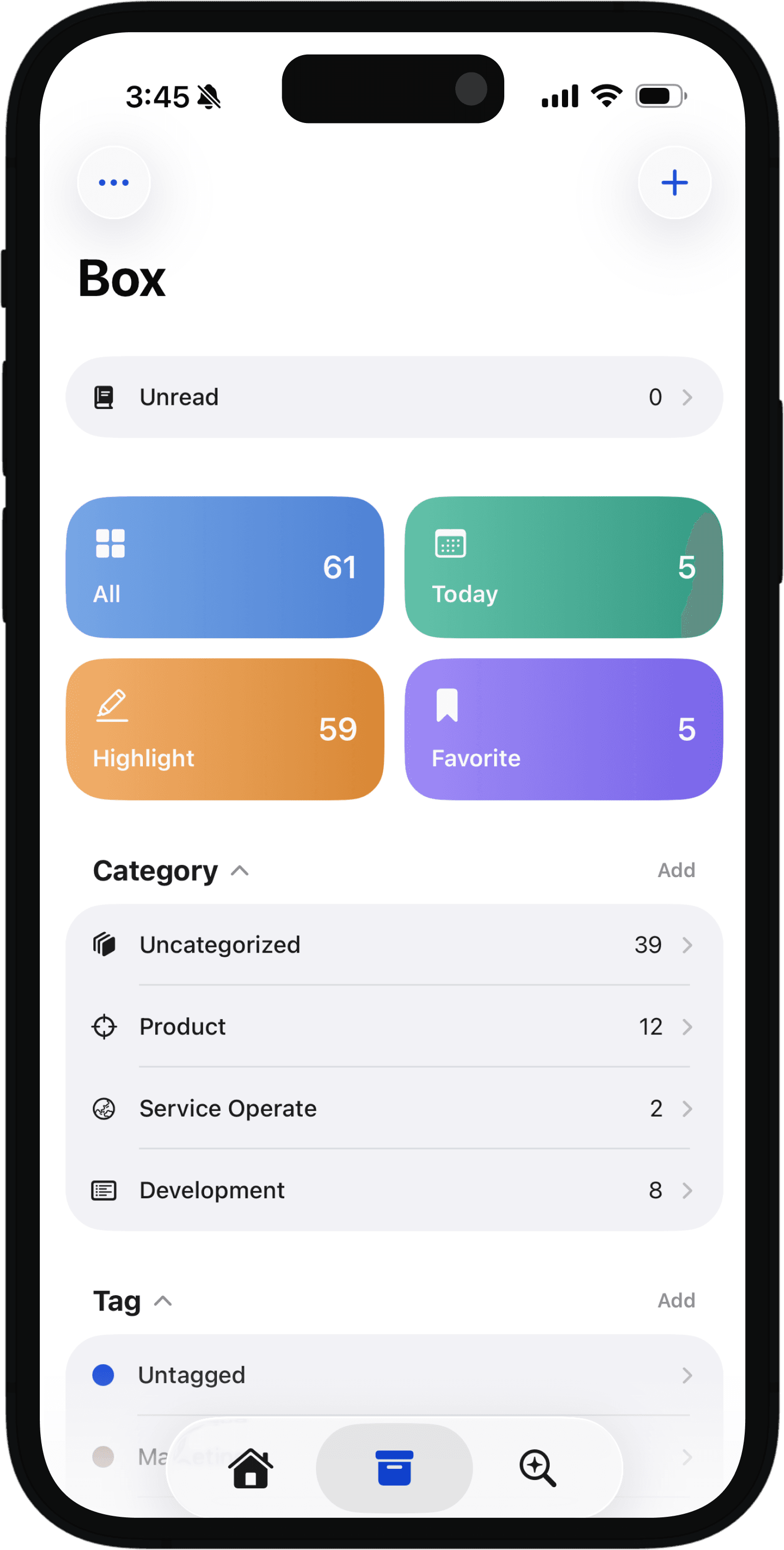
Organize reading your way
Saved articles can be organized with categories and tags. Even as your reading list grows, the right piece stays easy to find again.
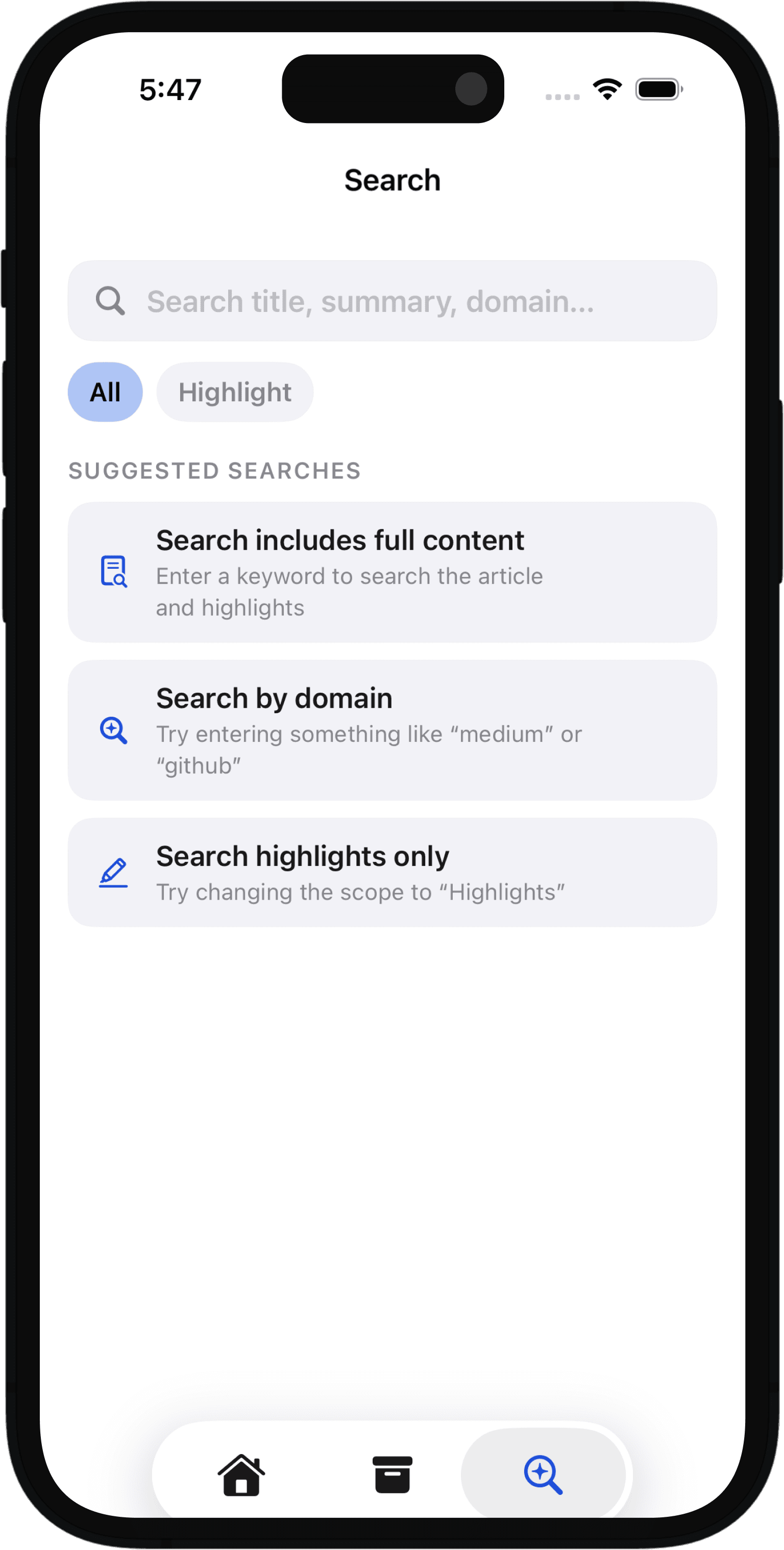
Search for the right piece fast
Even with a growing library, you can find what you need quickly. Search across titles, content, and tags to get back to the right piece.
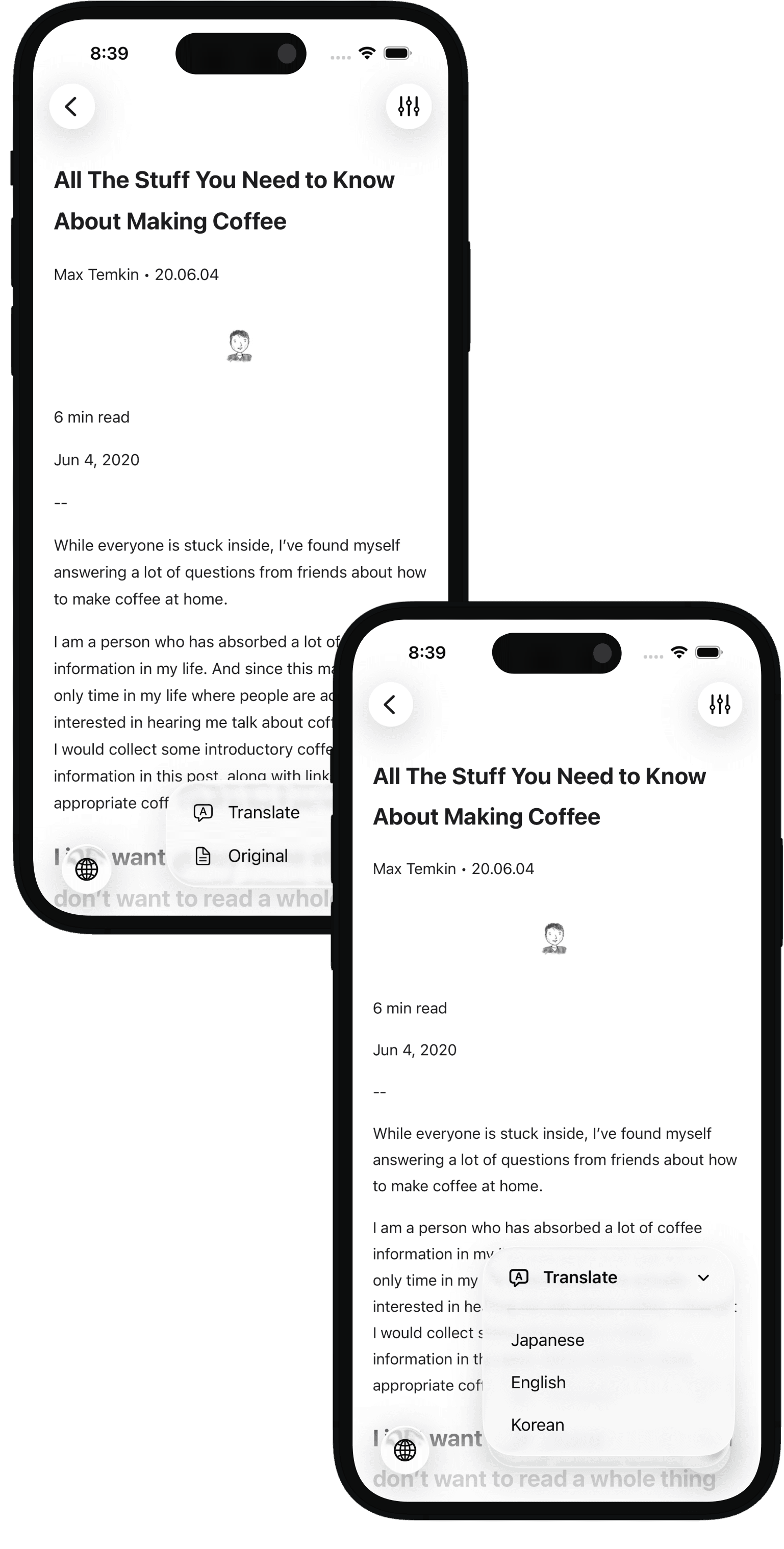
Read foreign-language articles more comfortably
If the article you want is written in another language, you can translate it when needed and read through it more comfortably.
Why it feels reliable every day
Built for the latest iOS
Stackbox is continuously tuned for the newest iOS releases, so the app keeps feeling fast, stable, and right at home on current Apple devices.
Private by design
Your saved data and activity stay on your device as much as possible. Nothing is shared or tracked elsewhere unless you explicitly choose to do so.
Seamless iCloud sync
Links, categories, tags, and highlights sync through iCloud automatically, so switching devices feels effortless and your library stays in step.
FAQ
Frequently Asked Questions
Quick answers about feeds, bookmarks, syncing, and privacy.
The reading you want shows up in Stackbox.
Save the articles you find on the web, and check posts from the sites you read often in one place. Keep the important lines with highlights, then come back to the right piece with search when you need it.